What's new

Synology NAS Owner’s Thread

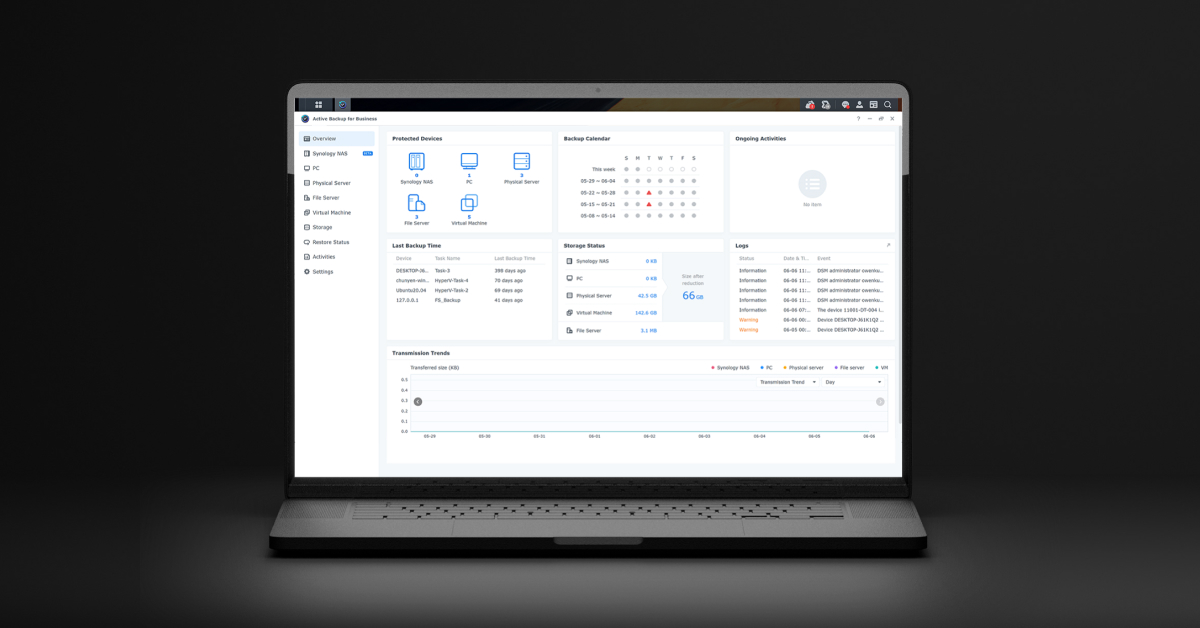
I have been using Synology Active Backup for Business, here at work, and it works great for backing up your systems, and I have used the file restore flawlessly as well. I installed it on my home system this weekend as well. It works great!
 
Synology is really starting to go downhill anymore. I really loved this company and thought everything they made was top notch. Their NAS and their routers. Now all their new NAS in the future will only work with their own brand of hard drives or approved hard drives. They are starting to remove more and more programs from their firmware as well. It looks like they are starting to make a shift from consumer to business only. It’s a shame. I see more and more companies going this route, they seem to forget what made them big in the first place.
 
I have been reading about cloud backups and how everyone is switching to an object storage bucket backup instead of the standard backup to get object lock. In layman's terms:

Normal Backup:
It's like putting your data inside a safe in your house, but leaving the safe's combination written on the NAS admin dashboard. If a hacker gets into your NAS, they get the combination, open the safe, and destroy your backups.

Object Storage Bucket: is like sending your data down a one-way mail chute into a bank vault. Once the mail drops into the vault, a timer locks the vault door for 14 days. Even if a hacker forces you at gunpoint to give them your NAS password, the bank tellers at Synology will look at the vault door and say, "Sorry, it is physically impossible to open this door or delete anything until the 14-day timer runs out."

I see that Synology's own C2 cloud backup now supports buckets along with Backblaze B2 storage as well. Both support Object Lock to prevent ransomware.
 
There have been a lot of breaches of Synology NAS lately. Mostly due to people not updating their Synology DSM to the latest version. You can read a write-up on how to harden your Synology NAS and make sure it has no outside access by disabling QuickConnect, enabling 2FA, etc. You can also take it a step further by enabling your built in firewall to allow local traffic only and only allow U.S. countries.

1. Create a Rule to Allow the Local Network
This ensures you do not accidentally lock yourself out of your own NAS.
  • Go to Control Panel > Security > Firewall.
  • Check Enable firewall, then click Edit Rules next to your firewall profile.
  • Click Create and configure the following:
    • Ports: Select All.
    • Source IP: Select Specific IP > Subnet and enter your local network range (e.g., IP: 192.168.1.0, Subnet Mask: 255.255.255.0).
    • Action: Select Allow, then click OK.
2. Create a Rule to Allow the United States
This allows external traffic only if it originates from a US-registered IP address.
  • Click Create again to make a second rule:
    • Ports: Select All (or choose Select from a list of built-in applications if you only want to expose specific services like VPN or HTTPS).
    • Source IP: Select Location and check United States.
    • Action: Select Allow, then click OK.
3. Change the Default Action to Deny Everything Else
This creates an implicit "block all" catch-all rule at the bottom of your list.
  • Look at the bottom of the firewall rules window where it says If no rules are matched.
  • Change the setting for both WAN and LAN interfaces to Deny access.
  • Click Save to apply the configuration.
(Note: Ensure your Local Network rule is at the very top of the list, followed by the United States rule, as Synology evaluates firewall rules from top to bottom).

Make sure to follow the steps so that you don't lock yourself out of your NAS, though. Make sure you know your correct IP scheme.
 
Back
Top